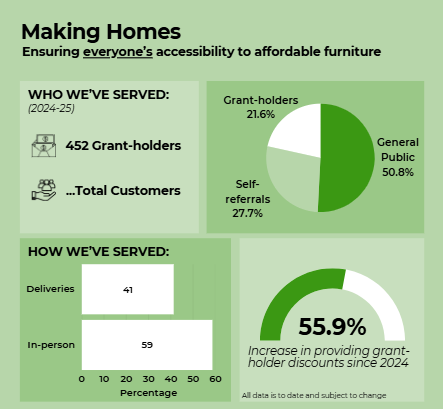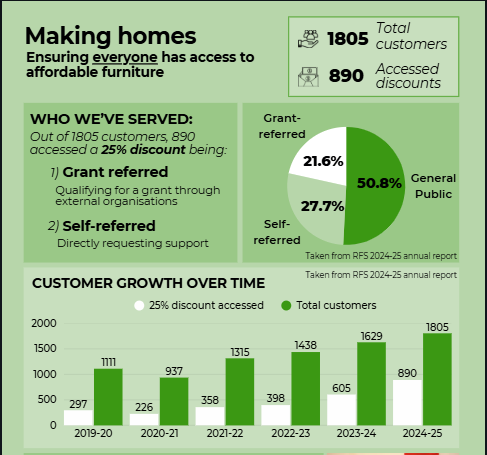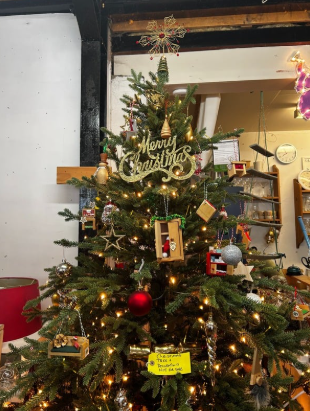
Week 10 –
Updates
I decided to make some content changes.
Social media:
- I realised I hadn’t considered typography enough in past posts and later in the week came across content from Street Storage.
- I was inspired by their typography and how their feed looked:
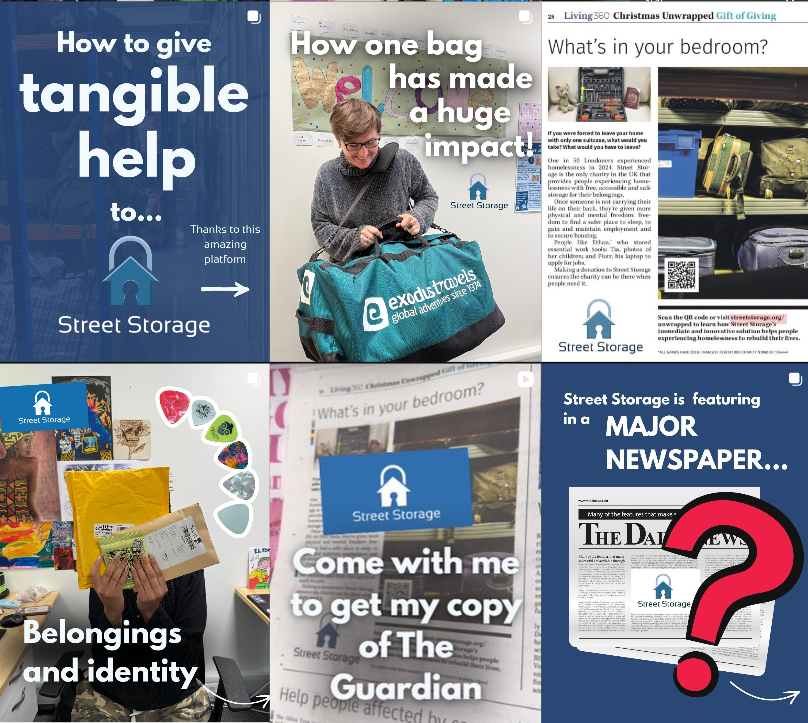
- Consequently, I started implementing similar ideas with this week’s ‘Favourites of the Week’. Our content is very different, so the style isn’t the same, but it helped me reflect on the feed’s aesthetic for the future. It’s something that can help content be distinguished and recognisable.
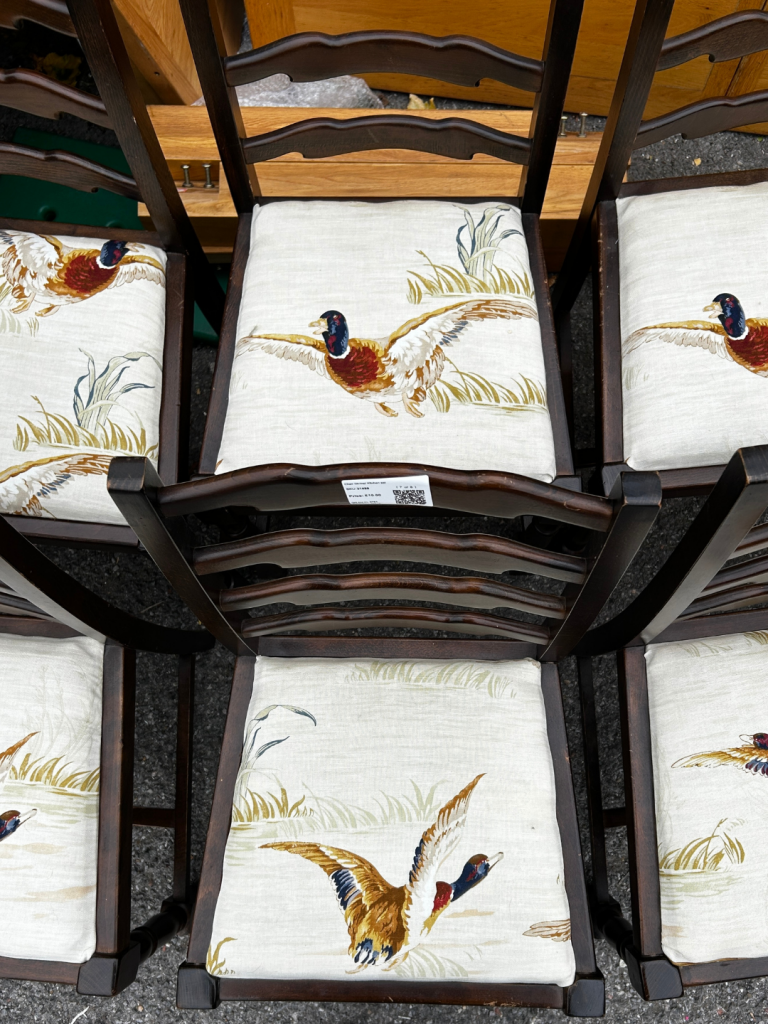
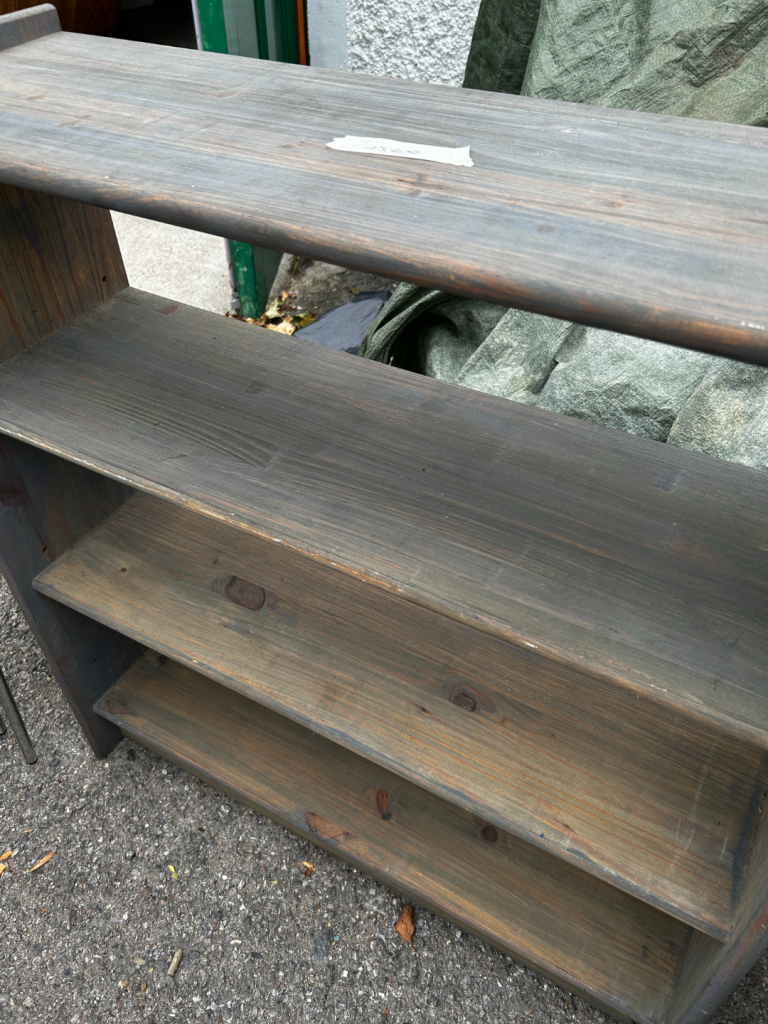
- I liaised with workshop volunteers, asking for pictures of items they’ve upcycled/repainted/upholstered and about the context of the items, e.g.:
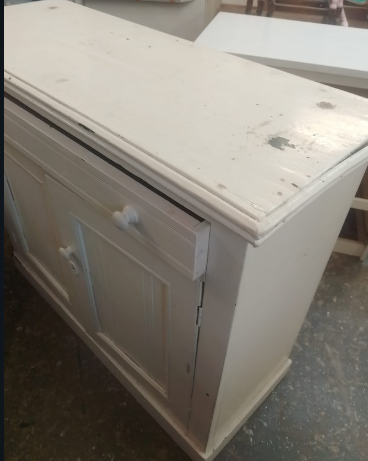
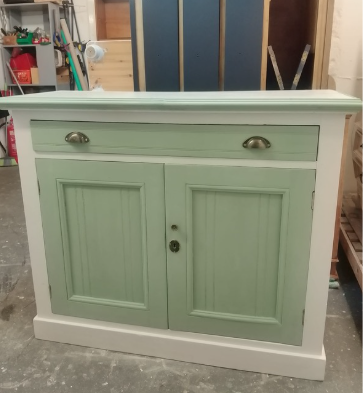
- This was helpful to schedule content for a few weeks
Lastly, I was invited to observe and add to a conversation between the manager and a volunteer around surveying customers
- The need to consider customer responses with feasible response collection, made it a difficult decision. So I found observing this first-hand insightful
- As an initial conversation to revisit, I was reminded that these decisions take time, they’re hard to make and there are various considerations
Week 11 –
Delivery drivers
I joined the delivery drivers to capture their day doing deliveries and collections and got started on creating posters.
In shadowing the drivers, I:
- Took videos, but also some pictures (asked for permission)
- Asked them personally about what they do and met customers
I found this really beneficial, not just in getting content, but understanding their roles on a deeper level while building connections in the team
- From the content, I had a couple ideas of how to use them so I edited one, a short ‘rain video’:
www.instagram.com/reel/DSSxseZDNth/
- I made sure I implemented information about RFS with the new typography
Additionally, I had a discussion with the manager about various posters I can make, to help volunteers and customers understand e.g. item prices, to promote RFS in other locations etc. This was exciting, to have another project but also make important materials:
Starting with a price grading poster, including explanations of our item grading system:
- I wrote an explanation, which I then changed to create a clearer, more concise version
- Realising I was stuck on whether the new method made sense, I decided to come back later
- I immediately recognised it wasn’t accurate, reverting to the previous method to show the manager:
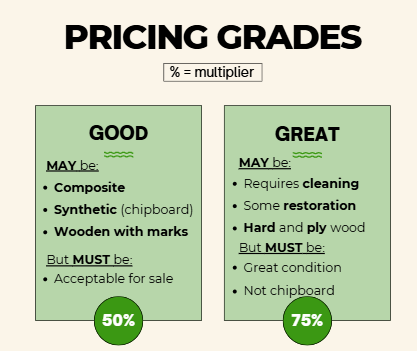
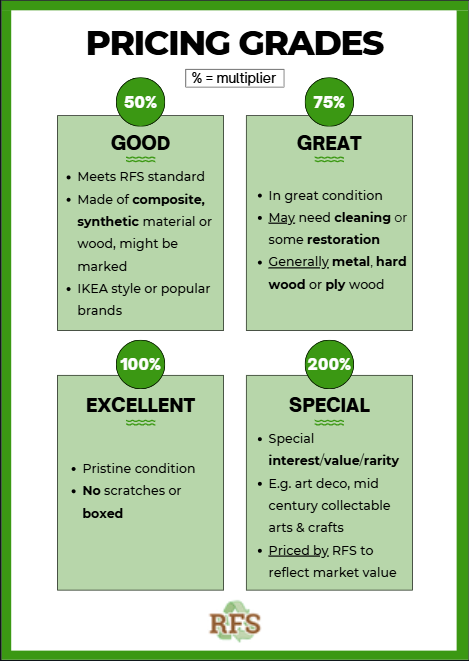
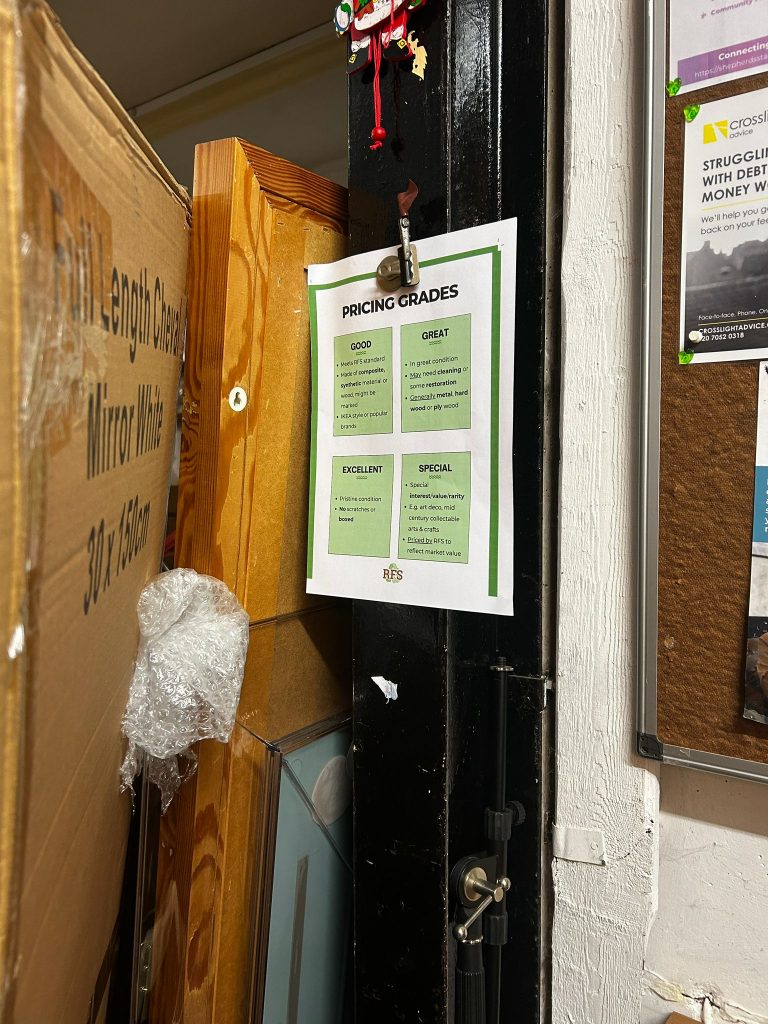
I was also provided feedback:
‘produce a print file with “bleeds”‘
- Having sent a PDF in CMYK, I assumed it was ready for print, but this was insightful as I was unfamiliar with ‘bleed’
- I was able to add it and send the new version over
Week 12 –
Holidays
I designed posts for the holidays and started a new poster.
With approval of the price grading poster, I moved onto the price list poster:
- This was challenging, as I was summarising a spreadsheet with every item and every price grade, plus images, into a Canva poster. But, I still enjoyed the process
- I created a design I felt was clear, only including some items, to show the manager before moving on, in case of changes
- I was glad I did this as the feedback was to use Excel instead. Considering the prices/items may change in future, they would need to import the information and easily place images (not possible in Canva)
With holidays approaching, I needed to create an opening hours post:
- I looked into inspiration of potential designs, and last year’s post as a guide
- I used a picture I took while shadowing the delivery drivers, as I felt it represented RFS as a whole, and included graphics and the new typography
- For clarity, I tested just including each date without “Christmas Day” etc., but felt it would be more recognisable without this
- I also thought about ways to summarise the information further than last year’s post, so I removed 23rd December and added a range “26th – 29th” as a closing day
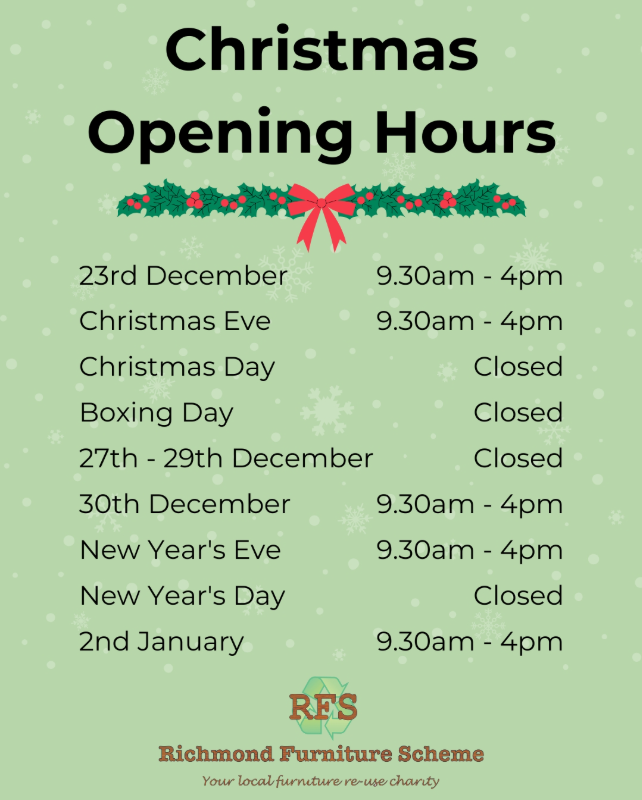
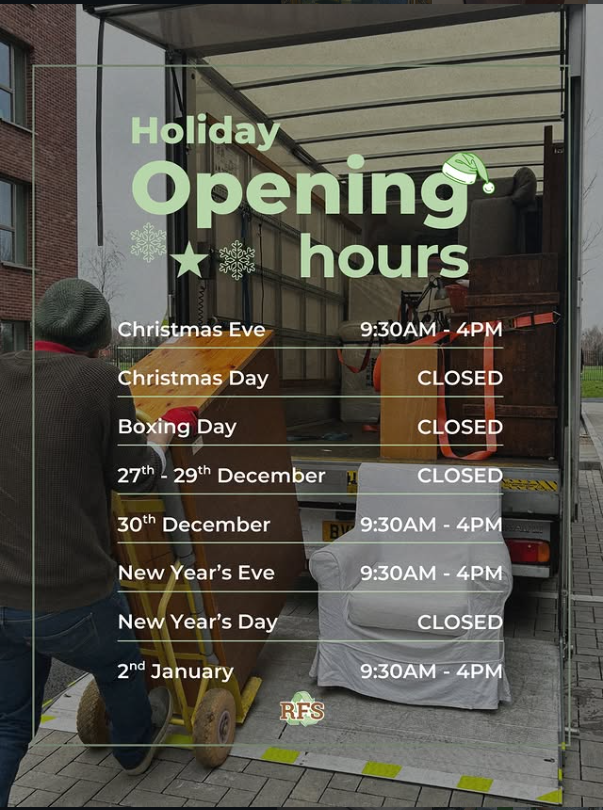
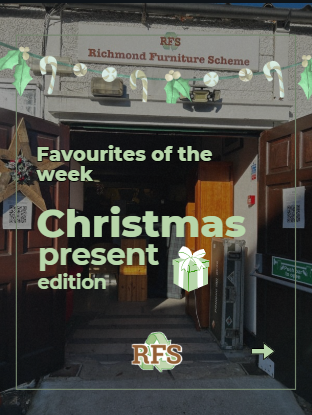
Lastly, I wanted to make a Christmas version of the Favourites of the Week (FOTW):
- Decided it should provide present suggestions
- Liaised with warehouse volunteers for recommendations
With the new typography, I also thought about making ‘covers’ to further the feed’s aesthetic for FOTW. But, I didn’t implement it as I felt it may prevent audience engagement
- Since this is a Christmas version with new information that would be difficult to fit into a normal FOTW post, I created a cover and planned to test out engagement
- I decided use the same format as the ‘opening hours’ post for the feed’s aesthetic, which included the new typography:
Week 13 –
Posters
Created a ‘Day in a Life’, resolved Excel issues and scheduled a graphic.
- I worked on the Excel poster, designing it so it doesn’t look like a spreadsheet. Despite my little knowledge of Excel, it wasn’t too difficult, so I formatted the design
- However, as mentioned, a significant reason for using Excel was to easily place pictures, and although it’s possible, it didn’t work
- Consequently, I moved to the app, which allowed other features I needed. But, still no ‘place picture’ option. I researched and realised I have an outdated app
- I’m glad I researched this beforehand, as I was able to thoroughly explain this to the manager. We decided to get back to it in the new year, using a monitor
- He also suggested keeping the spreadsheet style instead for future updates
Since signing into TikTok and Bluesky, I’ve been uploading past posts:
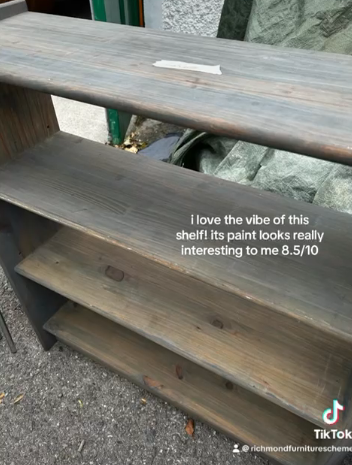
- TikTok – weekly FOTW with ratings & Reels. I’ve adapted the typography here too
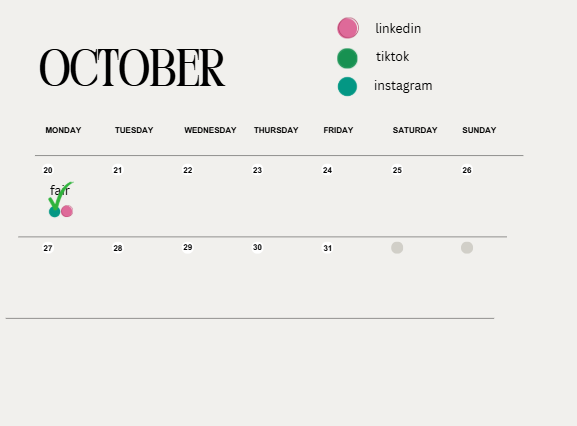
- Bluesky – realised there was much more content I could’ve posted than I originally thought = updated my content calendar and uploading
Next time, I will better consider all platforms. I also followed organisations/individuals to increase feed content and build a community.
From the delivery driver videos, I created a ‘Day in a Life’:
- I included figures about what they do, and insights from asking questions
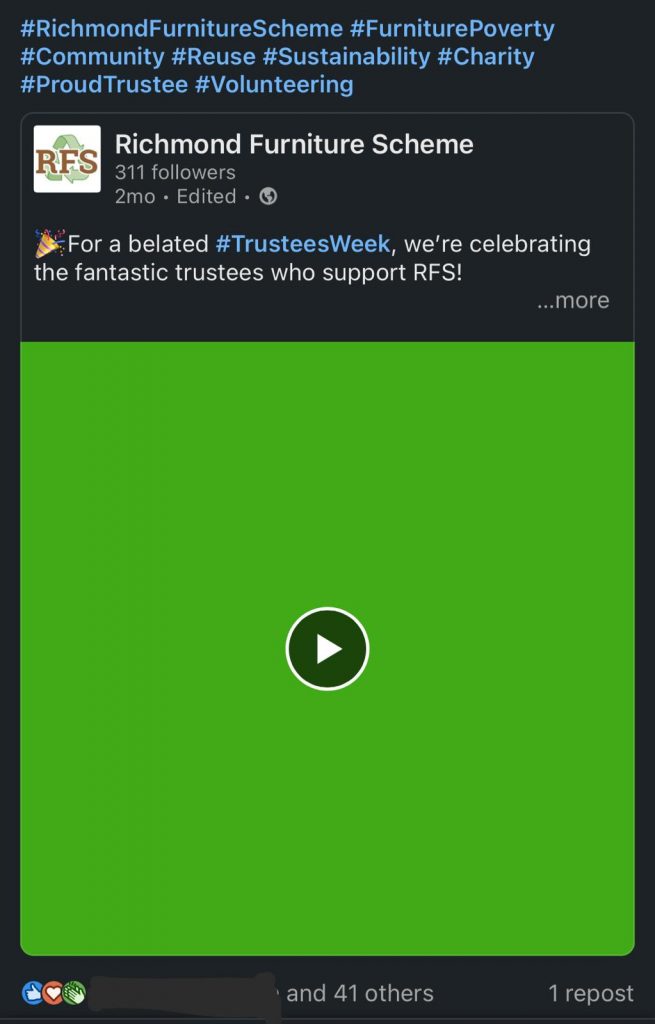
- Contrastingly, for LinkedIn, I used a picture I took and placed this information in the caption to suit the platform
www.instagram.com/reel/DSp9YrsDLcy/
I sent it to the manager, receiving the feedback below, and from staff:
“Perfect. Really good. Well done, it’s good to go. You should be very proud and happy with that.”
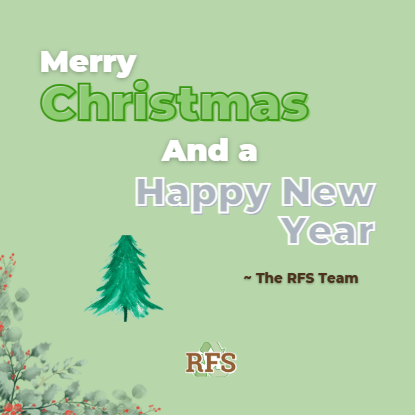
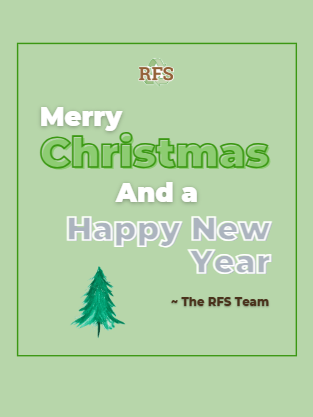
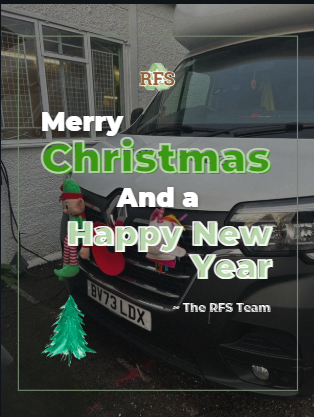
Finally, I made a Christmas and New Years graphic
- In the past I had a format for graphics which I tried but felt didn’t work
- I made many changes and realised I could use the same format as the opening hours post as, luckily, staff previously told me about new Christmas van decorations which I captured. I felt it helped represent RFS while being relevant.
- Consequently, I decided to continue using this format in future, adding to recognisability