Week 14
New Year
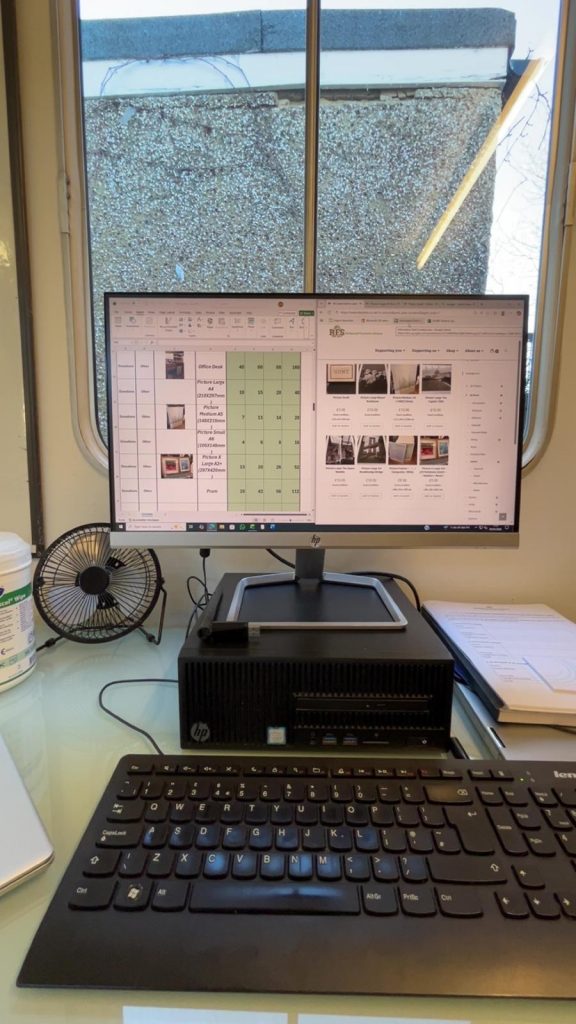
Began recreating the price list poster on the monitor, and planning January posts
After New Year’s closures, I caught up with my manager about upcoming events and expected posts which I added to my calendar, helping plan ahead and align with RFS aims
I also started on the price list poster:
- I was told I could use the unformatted spreadsheet that already includes all items, and format this to avoid inputting information. This was helpful, but would’ve been beneficial to know beforehand, so next time I’ll ask
- I learnt more about Excel, e.g.:
- I struggled to fit the spreadsheet in an A4 sheet for printing and was told ‘wrap text’ would adjust lines.
- ‘Place in cell’ images, which I was unable to do previously
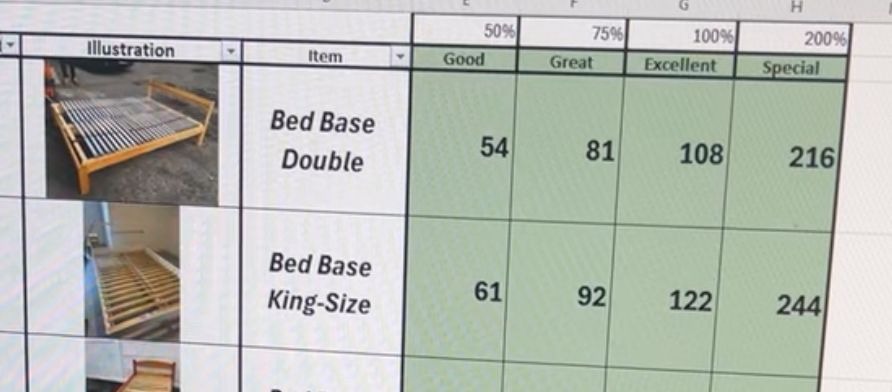
- To improve the spreadsheet for readability and recognisability, I:
- Changed fill colour to match the branding
- Changed alignment and typography style
- My feedback was that the prices should be right aligned, reminding me of standard price formatting
Week 15
Refinements
Finishing poster, refining TikTok/Bluesky and ideating
- In finishing the poster, I researched how to lock formatting, to align with requirements:
- I ensured cells with information were editable if it needs changing in future
- Ensured the rows/columns were not editable, to avoid accidental changes
This reminded me to think about how accessible it is for future users
- In adding more illustrations, I used basic Google images when the website images were poor quality for customer clarity. I ensured they were generic to be representative and help customer expectations = similarly, had to think in perspective of the customer
Drafted TikToks from my downloaded Reels:
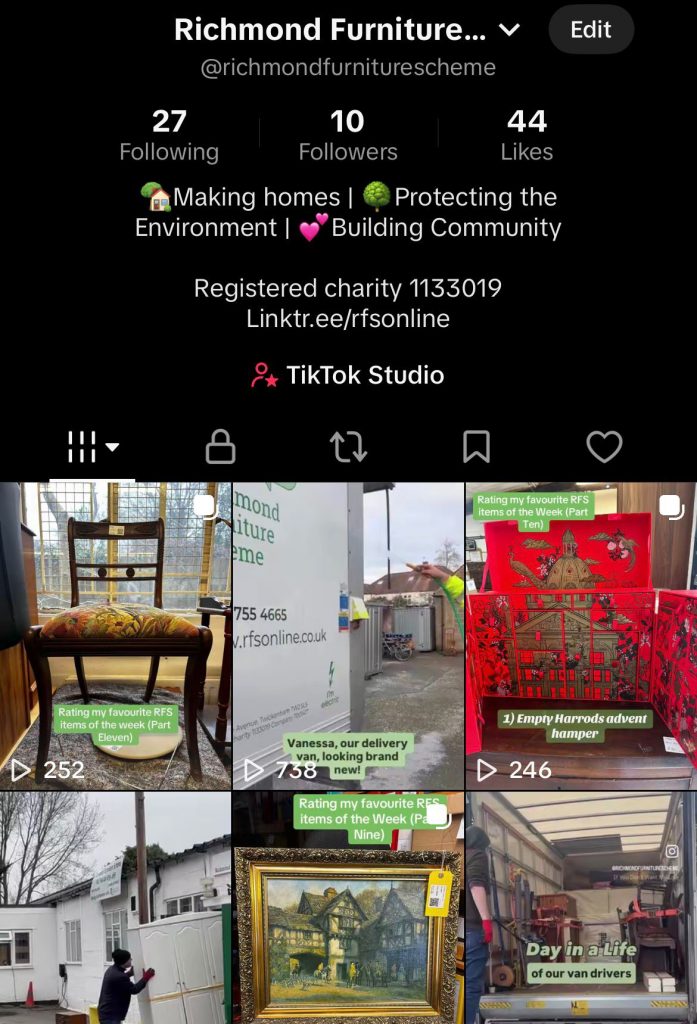
- Although a business account, TikTok didn’t allow description links, and had limited music. This restricts video reach and access to the RFS website, so I converted it back to a personal account = reflected on the limitations of platforms, as learnt in first year at university, that have to be worked around
- Added Linktree, RFS’ aims and charity number into the bio
- Linktree – To bypass TikTok’s limits, I added this as an easy to search and all rounded link as it includes every website, for viewers to access
- I’ve been told the importance of the charity number in the past, so embedded this for viewers to know it’s official
I also updated the Bluesky bio
- The word count means CTAs are tricky to include in posts, so I added contact information into the bio instead, alongside the charity number
Updates
- When I started, I had various ideas I wanted to explore, some of which I still hadn’t, so I wanted to implement 2 – testimonials and data comparisons
Week 16
New ideas
Considering my new ideas, I began preparing these posts
Testimonials
- I asked a volunteer for past testimonials (from interviews/surveys) I could use. In the process she told me I was doing a great job with the social media, which was encouraging and helped build my self-efficacy
- Originally, they would’ve been feedback testimonials, but after reading the interview/survey testimonials, I changed it to those focused on our aims = asking was useful as it kept it aligned with RFS, to show their benefits and build audience trust
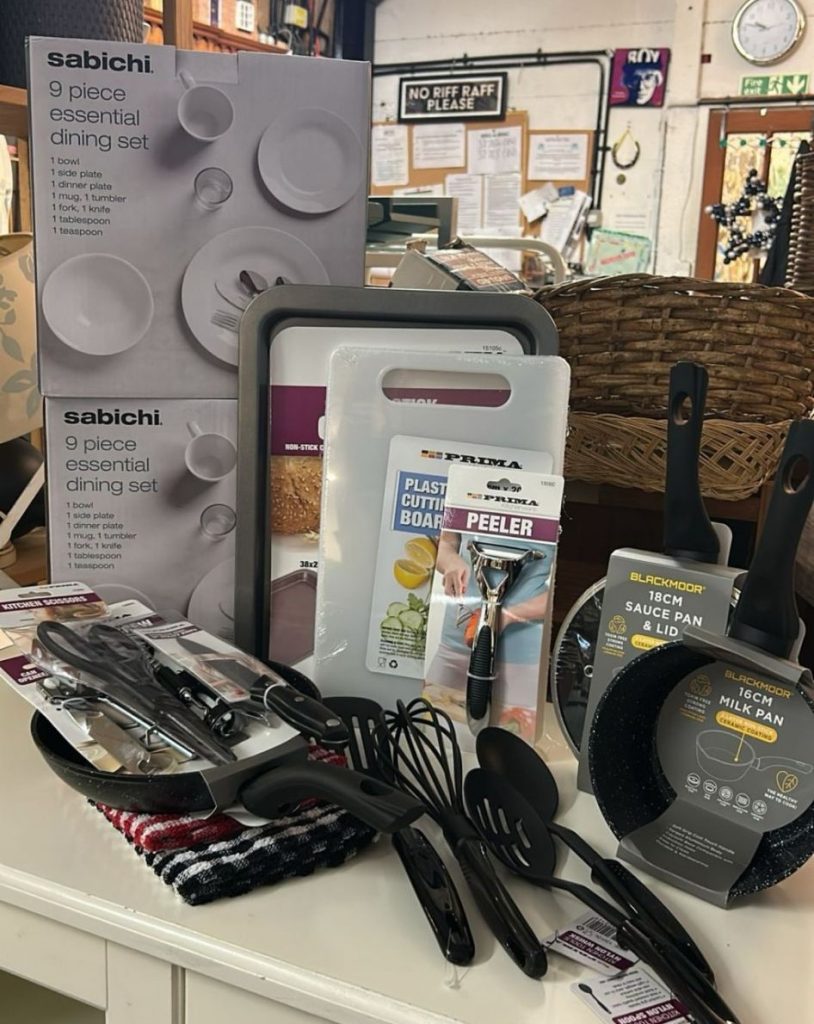
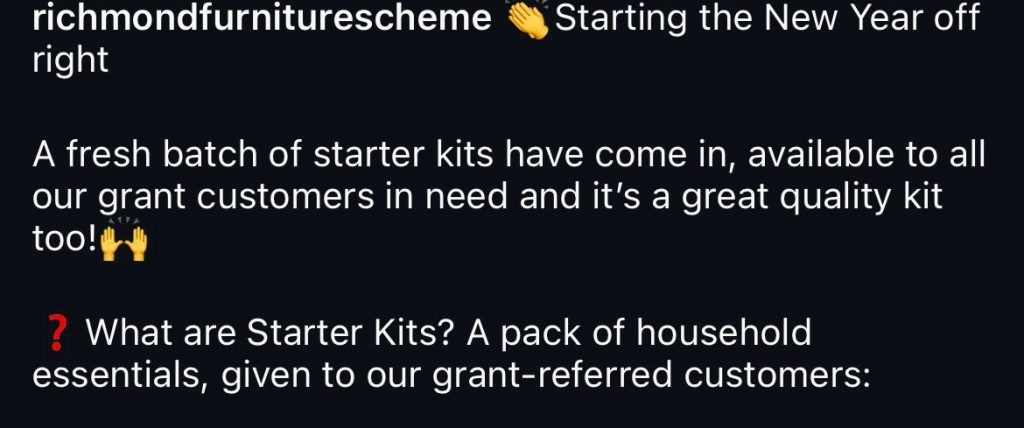
Starter kits (a pack of kitchen essentials given to those on grants)
- I was provided pictures of the new kits to post and included an explanation of what the kits are to meet RFS’ aims, as I realised viewers being familiar with what they can access is significant
- I also used the Annual Report to ensure I used aligned explanations, having learnt about this while forming the Impact Report
Proactive liaising
- I asked a Carousel volunteer if she’d want to film a video in a week to explore another idea I had = highlights the need to also create your own opportunities
- I noticed a volunteer cleaning the delivery van, so asked if I could film to capture authentic moments. To emphasise this, I edited it with simple copy, aiming to entertain rather than overwhelm the audience with promotion, and reminding me of the slight changes that can shape a piece of content. This was informed by content I learnt in Year 2: the importance of balancing entertainment with promotion
Video:
https://www.instagram.com/reel/DTimYRZjG45/?igsh=c20zcWJpdG1qczE3
Week 17
Creating opportunities
Report and post issues to overcome and a new video
Meetings with my manager
- I was told I could work on other posters, which we discussed in depth, but most of them required updates I didn’t receive
- I mentioned this and the publishing of the report again and we listed the steps towards publishing the report e.g. starting with converting it to a flipbook. I reminded him that I tried the flipbook in December but had access issues, which we sorted
My proactive communication was vital to initiate conversations as it had been a while since we discussed them and since I finalised the report. It also helped me practice speaking up confidently
- I was provided feedback on the skills I’ve developed over my volunteering:
- Working in a team
- Creating engaging content
- Working to a brief
- Meeting objectives
- All while meeting a business’ context
- He also mentioned the style I’ve implemented in the feed, referring to the update I made in December that was inspired by Street Storage
It was great to understand the skills I have demonstrated in a professional context, rather than just in an educational environment, and it made me reflect on how my educational experience has developed these abilities, furthering my self-efficacy
Report flipbook and data comparison post
- I attempted flipbook conversion, finding that the flipbook would need to be formed from within the website, which I can’t do. I communicated this, especially as I have one month and, based on our discussion, a lot to do to promote it
- Regarding the data comparison post, I landed on making “profile card” spotlights of each item
- My research (on the amount of CO2 saved by buying second-hand) was tricky as the data was inconsistent, but I found a couple figures/websites I could use
- After another meeting, I felt slightly frustrated as it had been a month since I completed the report with no further plan, and I wasn’t provided much confirmation or action for the data post = understood that I value feedback
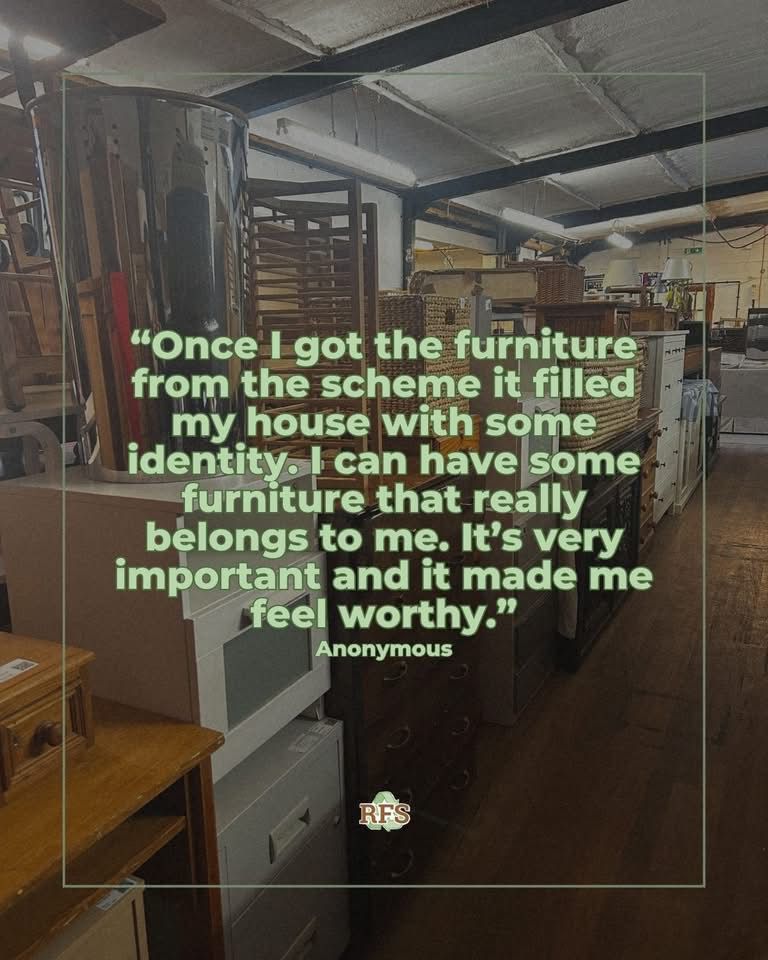
- Deciding to come back to it in future, I made another testimonial post to adapt to not creating the data comparison = flexibility is important as long as progress is made
Richmond Council partner blog:
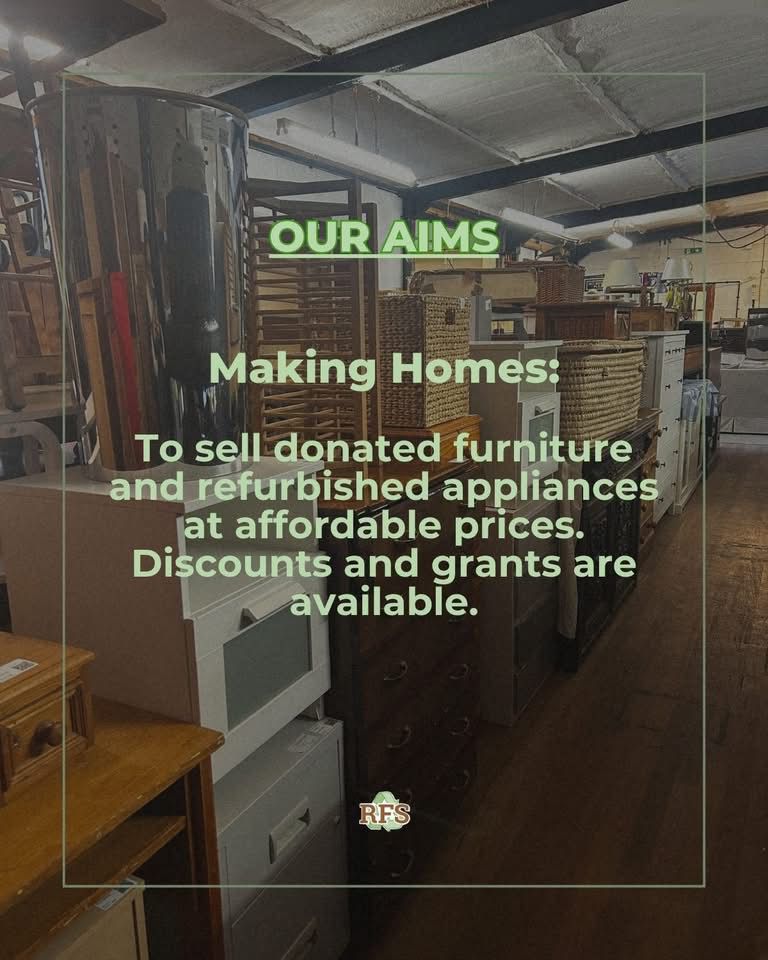
- The Council reached out about creating a partner blog, requiring copy and some images of refurbished and repaired items for Repair Week
- I created a folder of images I’ve taken of refurbished items and one features in the article below. My content being useful elsewhere was fulfilling:
Upholstery video:
- I returned to the Carousel workshop to see what content I could get
- I started finding out about the steps for chair upholstering = beneficial to know what to expect and something that I’ll continue to do
- I was asked to film someone who said she was less experienced with upholstery. The process was more complex, so I filmed for longer, let her take her time and kept observing = beneficial to capture each development in the process
- As I filmed, I thought for it to be a “final fixes” video, so I went straight to editing. The team said it was brilliant, which was great and reinforced the furthering of my enterprise skills in creating opportunities
https://www.instagram.com/reels/DUQ8psFDOKv
Week 18
Leaflet
New designs for a post and a leaflet
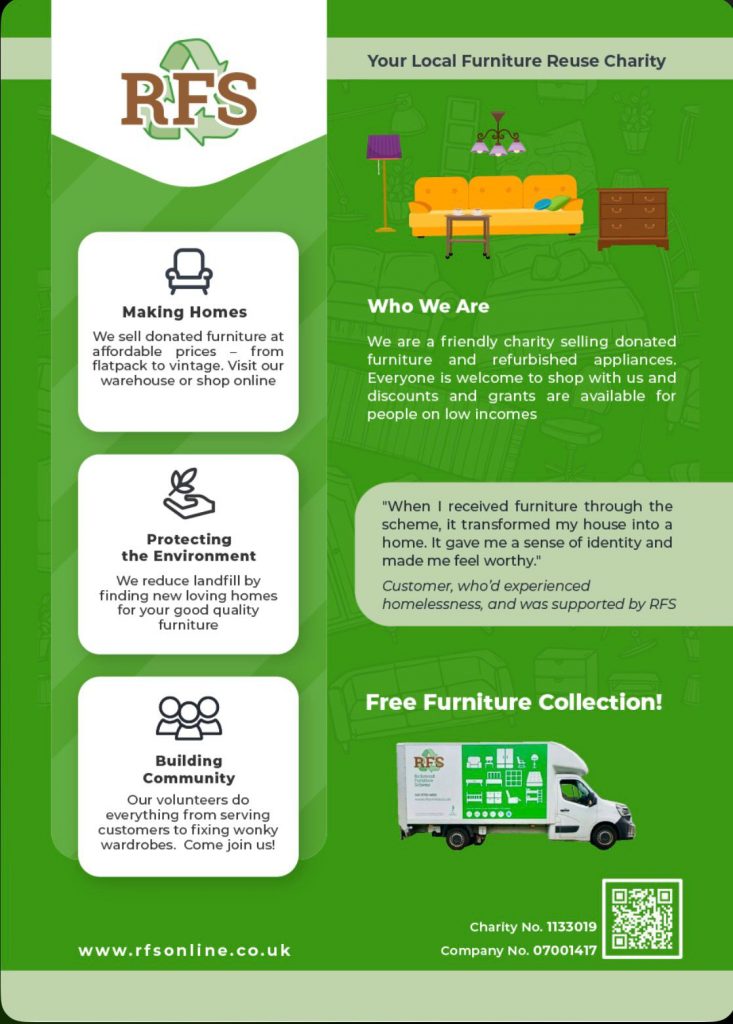
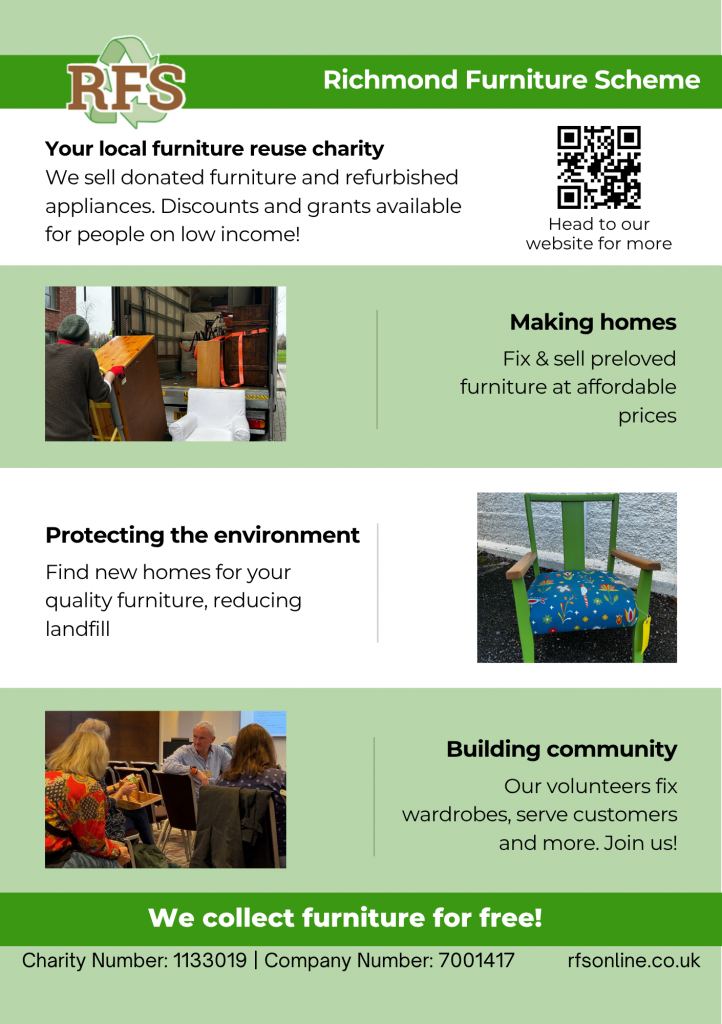
I was requested to design a new leaflet so I started with the back page:
- I used the current RFS leaflet to guide all copy, but shortened for readability as the main issue to tackle. I also included relevant images, bringing in knowledge from my studies on engaging audiences
- I used the same palette and charity number format as the report for consistency, aiming to keep the branding recognisable = reminded me of the details that make up marketing
- My manager said it was “great” and showed other staff who approved and really liked it
Change ‘protecting the environment’ image to be more representative of the information, and change the font colour
Ask another volunteer for feedback on the copy too
And I made these changes
IT system post:
- I was informed that a new IT system is being used in the warehouse that the trustees set up and was supported by Microsoft
- This was a great opportunity for a LinkedIn post, and my manager suggested a graphic that showcases the many aspects of the charity it supports
- I remembered an improvement I gave myself about collaborations, helping me be strategic in writing the caption:
- Tagged Microsoft to say thank you, but also reach their audience – LinkedIn’s features